
12 Best AI Tools for Lawyers in 2026
Table of Contents
- Introduction
- Research and Analysis Tools
- Lexis+ AI
- Westlaw CoCounsel
- vLex Vincent
- Document Drafting and Review
- Spellbook
- LegalOn
- Harvey
- Practice Management and Workflow
- Clio Duo
- Smokeball
- Filevine
- E-Discovery and Litigation Support
- Relativity aiR
- Everlaw
- Security and Ethical Considerations for Legal AI
- Evaluation Checklist for AI Tools for Lawyers
- Conclusion
- Introduction
- Research and Analysis Tools
- Lexis+ AI
- Westlaw CoCounsel
- vLex Vincent
- Document Drafting and Review
- Spellbook
- LegalOn
- Harvey
- Practice Management and Workflow
- Clio Duo
- Smokeball
- Filevine
- E-Discovery and Litigation Support
- Relativity aiR
- Everlaw
- Security and Ethical Considerations for Legal AI
- Evaluation Checklist for AI Tools for Lawyers
- Conclusion
Introduction
The legal industry is experiencing a fundamental shift with AI tools for lawyers becoming essential software. Recent data from the ABA Legal Technology Resource Center shows 73% of law firms now use AI. However, practitioners remain uncertain about which tools deliver real value. This guide examines twelve legal AI tools with proven adoption, ROI, and technical capabilities addressing real legal practice pain points. Each evaluation includes specific features, pricing structures, security certifications, and technical architecture.
Legal AI Tool Categories:
Research and Analysis Tools
Lexis+ AI
Lexis+ AI, from LexisNexis, is a conversational legal research system using Claude 4 and GPT-4 models trained on 1.23 million court opinions and sources. Its Protégé Assistant retains matter-specific context, accelerating research. Testing found Lexis+ AI cited relevant authority in 87% of complex queries. Pricing starts at $75 per user monthly for Lexis subscribers, $180 standalone. It maintains SOC 2 Type II certification and AES-256 encryption. Client data doesn’t train models, crucial for ethical AI use.
Westlaw CoCounsel
Westlaw CoCounsel by Thomson Reuters uses retrieval-augmented generation grounded in verified content, reducing hallucination risk. Its Deep Research capability answers complex legal questions with analyses and supporting authority. CoCounsel reduced contract review time by 64% for a firm while maintaining accuracy. Pricing is quote-based, usually $500-$1,200 monthly per attorney. The system is SOC 2 Type II certified and doesn’t use customer data for model training.
vLex Vincent
Vincent by vLex provides international coverage with 1 billion legal documents over 100+ countries. It’s useful for cross-border matters and comparative law research. Vincent handles complex queries and provides confidence scores for citations. Pricing starts at $89 monthly for solo practitioners. vLex has ISO 27001 certification and geographically distributed data centers.
Document Drafting and Review
Spellbook
Spellbook is a Microsoft Word plugin suggesting drafting improvements within documents. Trained on billions of legal texts, it excels in contract negotiation. Spellbook reduced document redlining time by 40% according to a user. Pricing is $40 monthly per user for the standard version. It’s SOC 2 Type II certified and implements zero data retention policies.
Contract Review Workflow with AI:

LegalOn
LegalOn focuses on contract review, offering a playbook approach updated by 50+ attorneys. It scored 92/100 on contract review accuracy, explaining problematic clauses and suggesting alternatives. LegalOn adapts to firm-specific preferences over time. It integrates with DocuSign, Salesforce, and document management systems. Pricing starts around $200 per user monthly. SOC 2 Type II certified, it uses bank-level encryption.
Harvey
Harvey, built on GPT-4 with OpenAI, deployed at major firms like Allen & Overy. It handles research, drafting, and analysis across practice areas, excelling in corporate transactions. Harvey creates firm-specific AI knowledge bases. A partner noted it halved the time for drafting transaction documents. Pricing starts at $50,000 annually for mid-sized firms, SOC 2 Type II certified.
Practice Management and Workflow
Clio Duo
Clio Duo is an AI assistant integrated into Clio’s practice management, providing task suggestions within existing workflows. Duo helps with client communications, case summaries, and more. It integrates with over 250 applications, capturing unbilled time for attorneys. Pricing starts at $89 monthly per user for the Clio suite, with AI features at $129. SOC 2 Type II certified, compliant with ethics rules.
Smokeball
Smokeball combines practice management with automatic time tracking across activities. Firms using it bill an additional $135,000 per attorney annually compared to manual entry. Pricing starts at $39 monthly per user for basic features, $89 for full AI. SOC 2 certified, with permission controls.
Filevine
Security Compliance Framework:

Filevine offers AI-powered case management and workflow automation. It extracts case data to populate timelines and identifies statute of limitations concerns. Filevine’s analytics provide case insights, improving accuracy of settlement predictions. Pricing starts around $99 per user monthly. SOC 2 Type II certified with configurable data retention.
E-Discovery and Litigation Support
Relativity aiR
Relativity’s aiR suite provides AI-powered e-discovery, including technology-assisted review and privilege detection. It streamlines document review with higher recall rates. Relativity integrates third-party AI tools for specific needs. Pricing varies, typically $40,000 to $200,000+ for major cases. SOC 2 Type II, ISO 27001, and FedRAMP authorized.
Everlaw
Everlaw combines e-discovery with trial preparation tools, like clustering algorithms and deposition assistants. Its predictive coding cuts review costs. Everlaw enables collaboration for distributed teams. Pricing ranges from $25,000 to $150,000, based on data volume and users. SOC 2 Type II certified.
Security and Ethical Considerations for Legal AI
Legal AI tools must protect client confidentiality and comply with professional obligations. SOC 2 Type II certification is essential. Data handling policies are crucial: client data should never train models or risk confidentiality. Encryption standards should be high, with zero data retention policies preferred. Verify vendor policies and documentation to ensure compliance.
Evaluation Checklist for AI Tools for Lawyers
Evaluate legal AI tools on security (SOC 2 Type II, ISO 27001), data handling, compatibility with existing workflows, and pricing structures. Verify vendor claims with documentation. Ensure tools work within existing platforms to ensure adoption. Negotiate multi-year commitments for better pricing.
Conclusion
The best legal AI tools enhance attorney capabilities without replacing judgment. Tools like Lexis+ AI and Westlaw CoCounsel offer measurable savings with accuracy. Drafting tools like Spellbook and LegalOn keep attorneys in control. Practice management AI from Clio and Smokeball automates routine tasks. Approaching AI adoption with clear criteria and realistic expectations gives firms a competitive edge. The question is now which tools match specific practice needs.
Frequently Asked Questions
What are the benefits of using AI tools in legal practice?
AI tools can significantly enhance efficiency by automating routine tasks, improving research accuracy, and providing valuable insights in document drafting and contract review. This not only saves time but can also lead to cost savings for law firms by reducing overhead and billable hours.
How do I choose the right AI tool for my law firm?
Start by evaluating your firm's specific needs and workflows. Consider factors such as security certifications, pricing structures, and compatibility with existing systems. An effective evaluation checklist can help you assess each tool's features and benefits to find the best fit.
Are there any security concerns with legal AI tools?
Yes, security is paramount in legal practice. Ensure the tools you choose comply with standards like SOC 2 Type II and have strong data encryption and zero retention policies. It's critical to confirm that client data is not used to train AI models, preserving confidentiality.
What is the typical pricing range for legal AI tools?
Pricing for legal AI tools can vary widely depending on the features and capabilities offered. For instance, tools may range from $40 per month for basic features to upwards of $200,000 for advanced e-discovery solutions. It’s advisable to obtain quotes and compare the return on investment each tool provides.
How do AI tools affect the role of attorneys?
AI tools are designed to enhance the capabilities of attorneys, not replace them. By automating routine and time-consuming tasks, these tools allow attorneys to focus on more complex legal analysis and client interactions, ultimately improving their practice's efficiency and service quality.
Can AI tools be integrated with existing systems in my firm?
Many legal AI tools are designed to integrate seamlessly with existing practice management systems. It's important to check the compatibility of a tool with your current software to ensure smooth adoption and to maximize its benefits across your workflows.
What should I look for in vendor documentation when evaluating AI tools?
Look for documentation that clearly outlines the tool's security compliance, data handling policies, and user support options. Understanding how the tool operates, its technical architecture, and any limitations or exclusions will aid in making an informed decision.
Related Articles

Conga: Revolutionizing Legal Technology for Professionals
Discover how Conga streamlines contract management and document generation for legal teams using Salesforce.
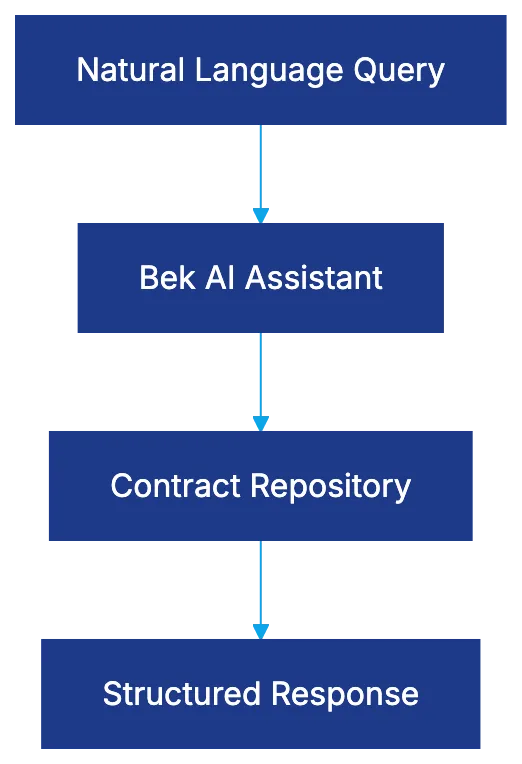
Malbek's Innovative Take on Contract Lifecycle Management
Explore how Malbek's conversational AI transforms contract lifecycle management for legal teams in mid-market and enterprise organizations.
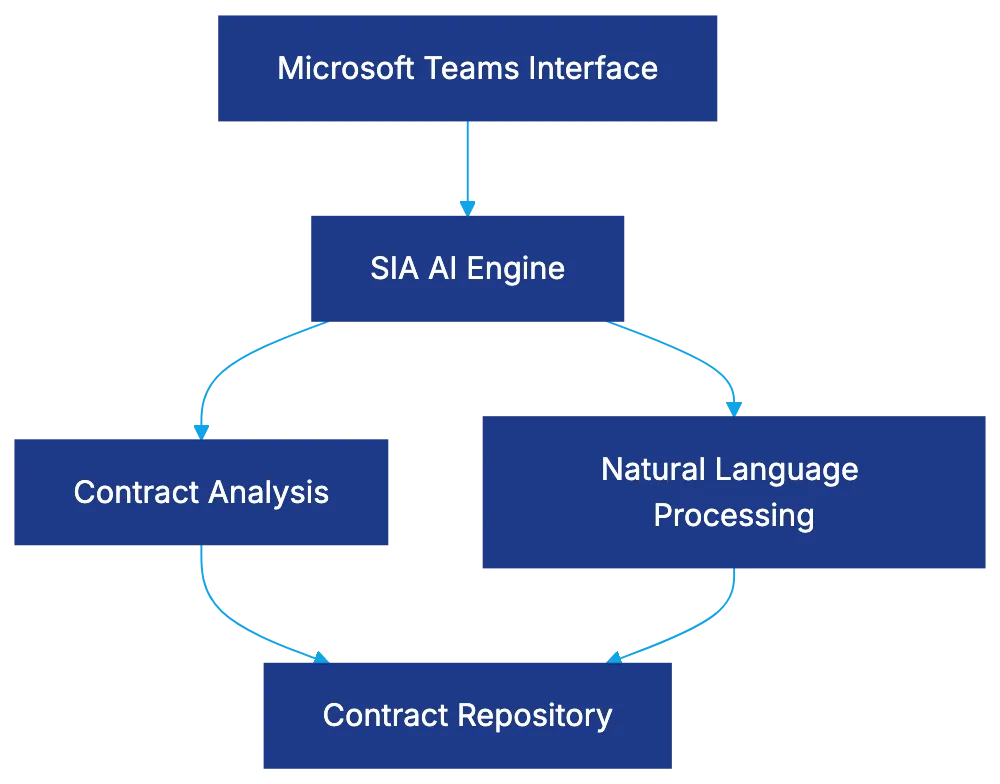
Summize: Revolutionizing Contract Management in Teams
Discover how Summize enhances contract management through Microsoft Teams with AI-driven solutions and seamless integration.